.jpeg)

.png)
Data management
made effortless
Enjoy the freedom to do more with Maia on your side.


Ever wonder what happens when you pair Maia with Snowflake CoWork? We did, and to make it interesting, decided to find out by putting two teams of Snowflake and Maia experts to the test.
You can watch how things played out in the video here, but here’s the setup:
Two teams, two hours, one “Maia vs. the Mountain” challenge, and one goal: Build a data product that could plan the perfect VIP weekend at a ski resort. That meant joining on-prem resort data to travel APIs (weather, hotels, flights, and restaurants), loading it all into Snowflake, and having it ready for Snowflake CoWork to answer questions, posed by Matillion’s Chief Product Officer and honorary judge Frank Weigel, at the end.
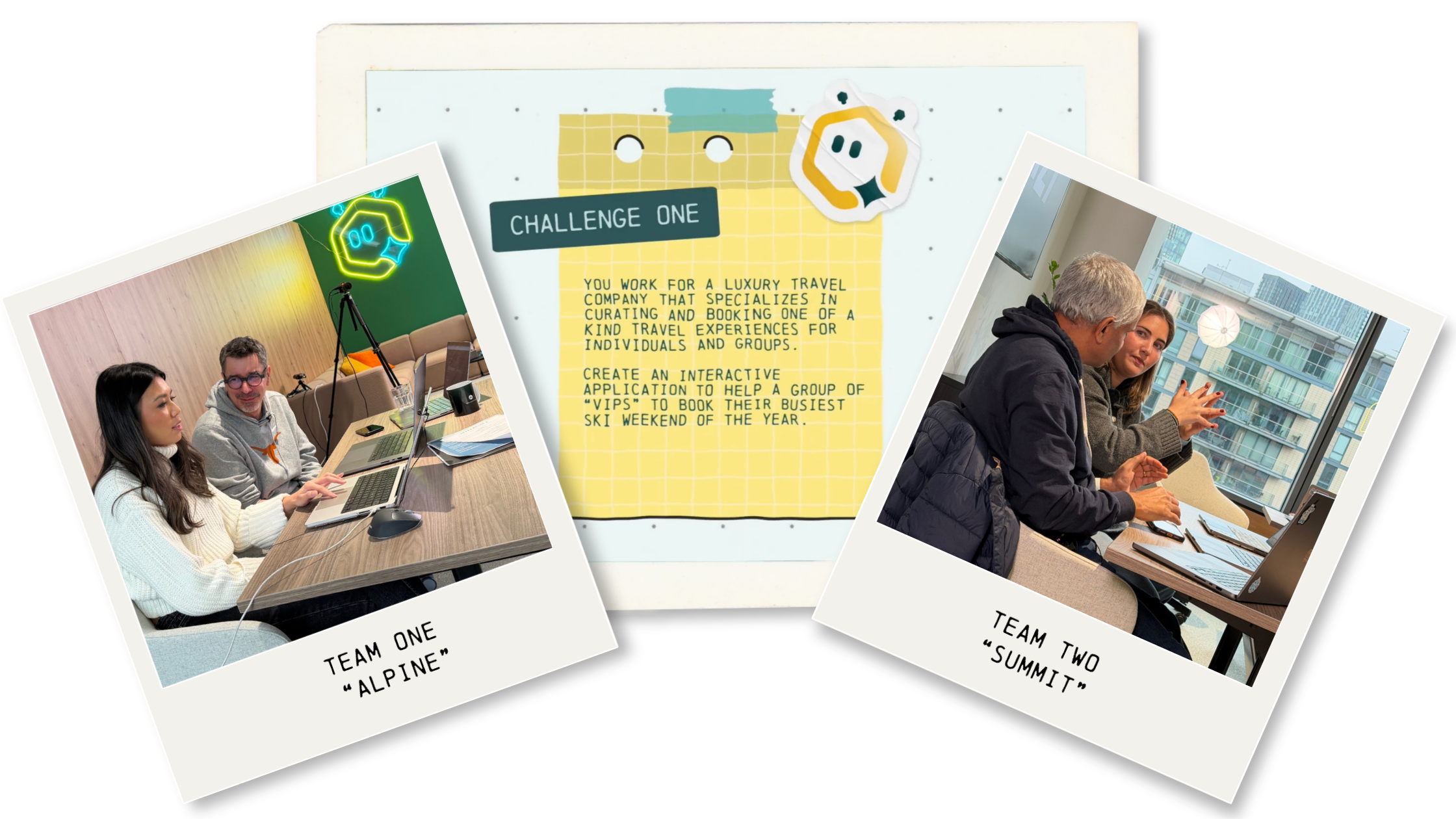
Questions like: what hotel would be best suited for Baroness Beatrice? What travel route would be best for Points Pete? What après-ski activities would Influencer Izzy enjoy the most?
Both teams had the same starting materials: a Maia account, a Snowflake connection, detailed VIP profiles as PDFs, and a set of custom connector names and API endpoints to get them off the ground. It was a close race. But looking back at why one team came out ahead, the outcome traces to decisions made early. Most of them in the first thirty minutes.\
Here's what happened and a few things we learned along the way…
Before either team even opened Maia, both paused to think through what questions the data actually needed to answer.
“The first strategy was to think about what question Frank would ask. We thought about best itineraries, grouping the VIPs based on their interests, and how we could provide them the best experiences.” — Ravi Bhatta, Principle Data Engineer at Snowflake, Team Two
Then they got to work on their foundation. They set up context files in the project- business rules, project goals, naming standards- so Maia Context Engine could ground every recommendation that followed. Then they configured their API connectors for travel data and uploaded their VIP profile documents separately. Doing that upfront gave Maia the understanding and nuance it needed to make accurate decisions.
“I was given a little hint to use context files…you can get a lot more information than just what you find within the data sources, especially if you don’t know the data sources…” — Susanna Cardosa, Data Engineer, Matillion, Team Two
With context in place, they turned to Maia to think through their architecture before building anything: asking questions, stress-testing the approach, confirming what was possible with the available data. For the more complex pipeline tasks, they enabled Plan mode. Maia laid out a full step-by-step plan, they reviewed and approved it, and only then did execution start. This was especially valuable for team members newer to the platform.
Both teams came out of it with a clear structure for their bronze, silver, and gold layers in Snowflake. Then they built.
“I used one of those quick recommendations from Maia, and asked it to load the resort data. From that, it just read the context files, and so Maia knew the SQL configuration settings, and then was able to load in these 3 tables…it created this data relationship diagram. And Maia just did that…literally took me not even 5 minutes…” — Isabelle Ng, Data Engineer, Matillion, Team 1
An hour in, the teams were in their grooves and feeling good. Which is exactly why we had Frank walk in with a stack of restaurant menus from Aspen ;)
.png)
New requirement, new data format, and a new question to determine the challenge winner:
Based on the menus from restaurants surrounding the resort, which one is the best fit for a group dinner for all the VIPs? — Frank Weigel, CPO, Matillion
Those menus were unstructured PDFs. No API, no clean schema, nothing pre-integrated. Any data engineer who has spent enough time in the business knows this very moment, when a project scope changes mid-build and it needs to be done now.
But both teams, being the pros they were, made the same move without breaking a sweat. They ingested and processed the PDFs as unstructured data, used Maia’s Custom Connector Creator to spin up a connector to a restaurant review site in minutes, and kept going.
“Because of the capabilities in Maia we were able to quickly adapt and add those additional data sources to the engineering pipeline and in the end to the gold layer.” — Ravi Bhatta, Principle Data Engineer at Snowflake, Team 2
With gold layers built, both teams moved into Snowflake CoWork to connect their data for querying. Up until this point, both teams had taken similar-ish approaches: same setup and data sources and started with context and planning. But once they got into Snowflake CoWork, they started to diverge.
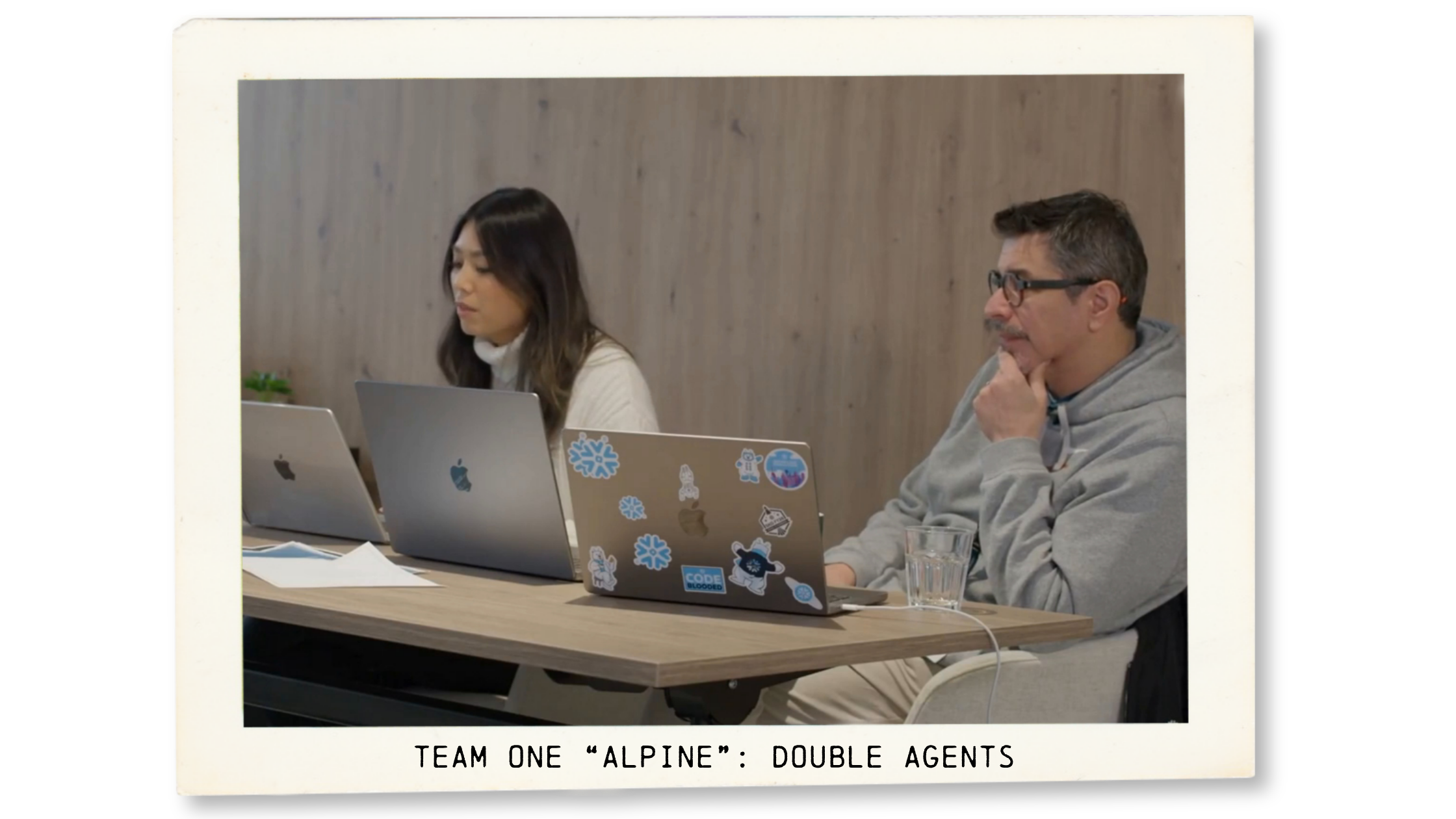
Isabelle and Anthony, built two distinct agents: one specifically for individual VIP travel recommendations, and a separate one scoped entirely to restaurants and dining.
Two focused agents, each with a tight semantic model built around one problem.
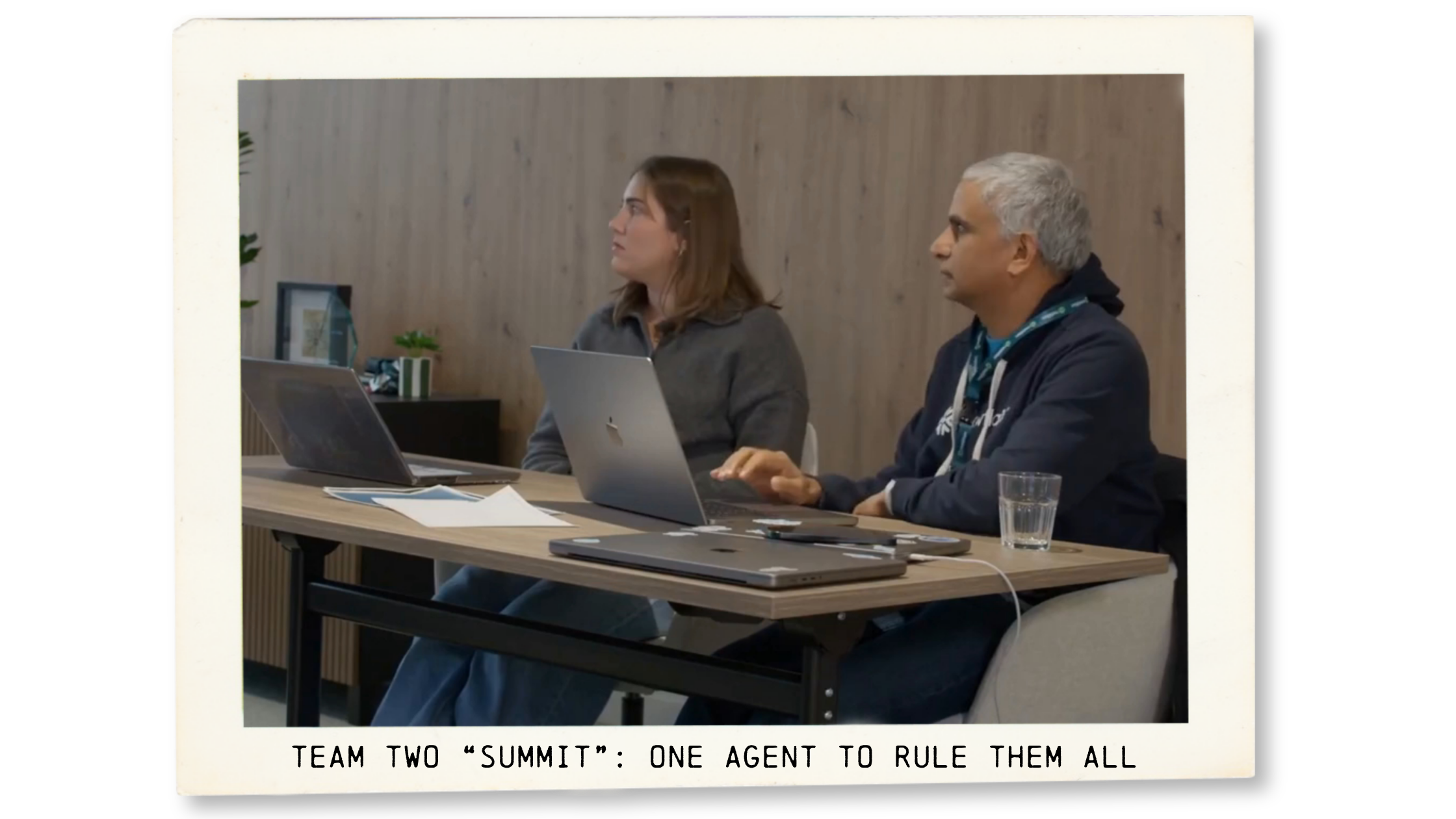
Team Two “Summit”, Susanna and Ravi, went the other direction: one agent to rule them all, with access to all the data, able to handle any question from VIP itinerary planning to restaurant recommendations in a single session.
Both approaches are reasonable. One came out on top...
Maia is capable of doing a lot of things so there’s always a design choice of what we do in Maia or do it in Snowflake, and everything of course is influenced by the project context…I’m always amazed by the ability to manage the entire pipeline, and for this exercise, especially being in pre-sales, it’s even more amazing to be able to demonstrate tangible results with just a couple of prompts.” — Anthony Alteirac, Partner Solution Manager, Snowflake, Team 1
In the end, Team One “Alpine”, Isabelle and Anthony, won with their restaurant recommendation of The Painted Mesa. It was definitely a close call, and we're already looking forward to a rematch.
But looking back at the build, a couple of things seem to have made the difference.
Two decisions, made at different points in the challenge. One upstream in Maia, one in Snowflake CoWork. But both traced back to the same place: being clear on what you need the data to answer before building the thing that has to answer it.
As we said, it was a tight race, and we are looking forward to a rematch!

“It was great and really rewarding to win. The other team also made a really good product…it really just came down to the technicality of how the data was fed into Snowflake”— Isabelle Ng, Data Engineer, Matillion, Team 1