

.png)
Data management
made effortless
Enjoy the freedom to do more with Maia on your side.

.jpeg)
I've been at Matillion for seven years, across Support, Professional Services and now Field Engineering (Pre-sales).
These days I run Maia Customer Workshops, helping teams get the most out of Maia. One thing I've noticed is that when teams set up the five pillars below, their pipeline output can easily go up 5x. It doesn't take long to set up, and it makes a big difference to how quickly they can make their data useful.
The teams that get the most out of Maia aren't always the ones with the biggest teams or the most experience. They're usually the ones who put a little bit of structure in place first. In this post I'll walk through what that looks like, and share the prompts I use in my workshops so you can try them on your own project.
Maia works best when it knows about you, your standards and your data.
Your team already has most of this knowledge. It's just spread across people's heads, old pipelines and wiki pages. The five pillars help you turn that tribal knowledge into structured context Maia can use every time.
The more you put into Pillars 1 to 3, the easier Pillars 4 and 5 become.
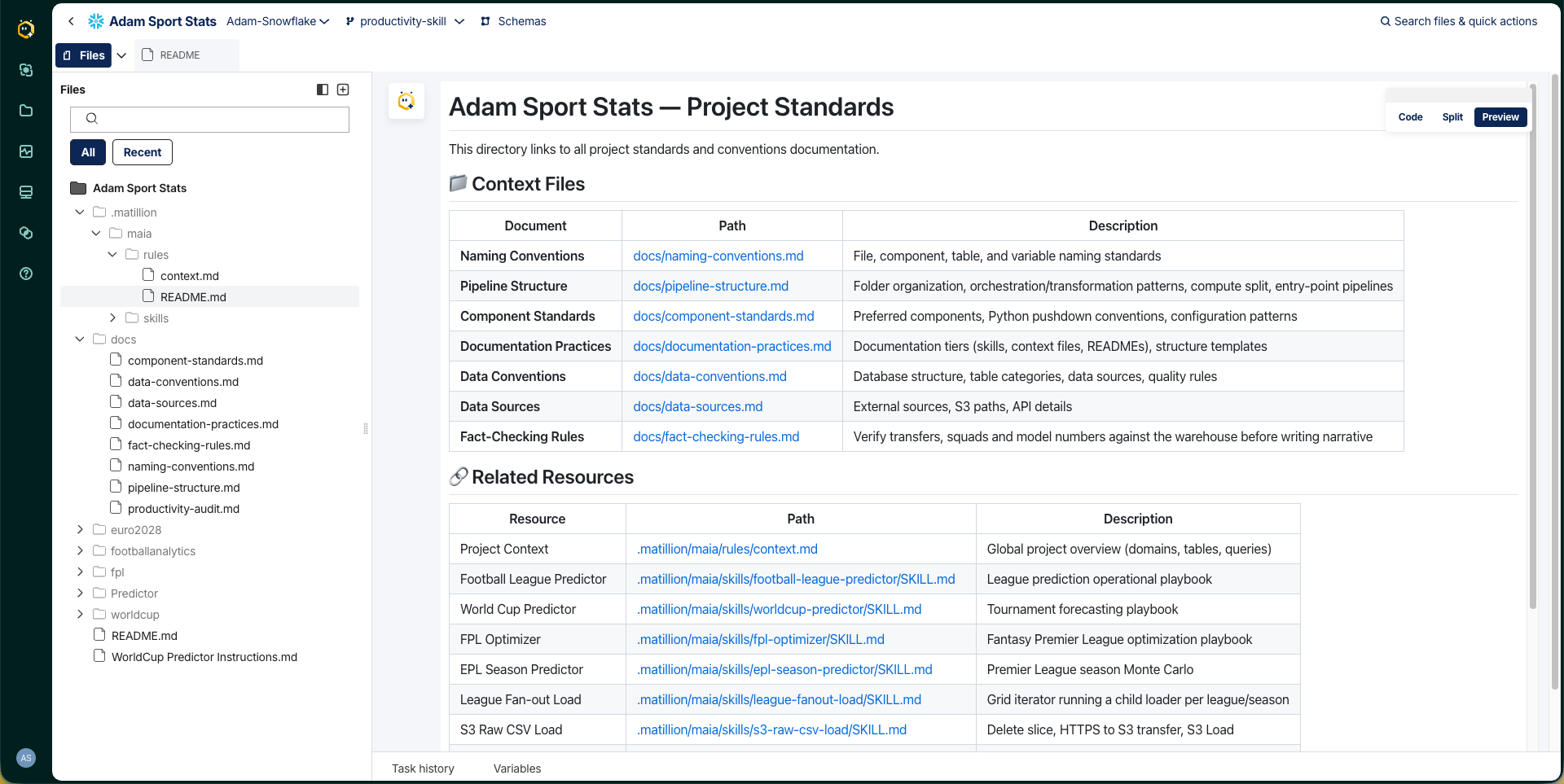
In almost every workshop, someone builds a pipeline with Maia and says, "That's great. Now how do I get it to follow the way we do things?" That's where context files come in.
They're simple markdown files that tell Maia who you are and how your team works, such as your naming conventions, pipeline structure, documentation standards and preferred components. Tell Maia your standards and it will create the context files for you.
A handy sign you need one: if you find yourself typing the same instructions in every prompt, that's a great candidate for a context file.
Not sure what your standards are? Maia can scan your existing pipelines and pick out the ones you already follow.
Watch: Context Files in action
If context files are the who, skills are the how.
Skills are for the tasks your team does again and again, like incremental loads, error handling, data quality checks or setting up a new source. Without them, each person asks Maia in a slightly different way and gets slightly different results. With a skill, the pattern is packaged up once.
A skill is usually two parts:
SKILL.md definition with step-by-step instructionsMaia spots when a skill applies and uses it, so everyone on the team gets the same result. This is where teams move from "Maia helps me" to "Maia works the way we work."

Watch: Building Maia Skills
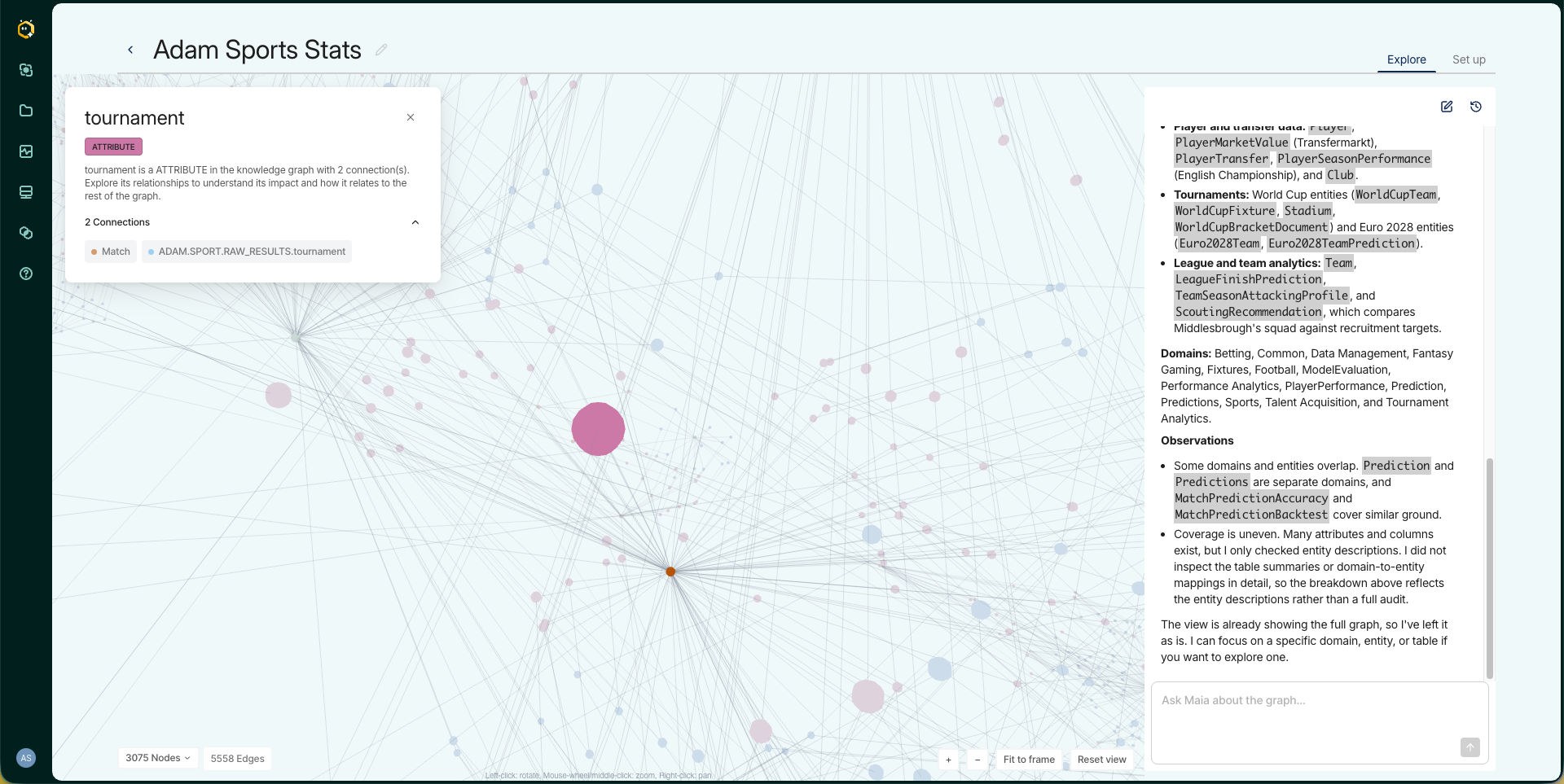
The Context Engine uses Knowledge Graphs and a semantic layer to help Maia understand your data. You can feed it from four types of source:
product-spec.pdf, onboarding-guide.md, data-dictionary.xlsx or legacy-report.pdfDocuments are a great way to add business context that isn't stored in your warehouse, like what a term actually means for your team.
So when you ask for "revenue by product line for last quarter", Maia already knows which tables to use and what "revenue" means for your business.
.png)
A couple of handy things to know:
Watch: The Context Engine explained
Who, What, How. Good prompts usually cover:
The nice part is your context files can cover the Who and your skills can cover the How, so often you only need to type the What.
It's also worth letting Maia ask you questions rather than trying to cover everything up front. It often picks up on things you hadn't thought of.
Watch: Maia: Prompting Techniques Unleashed
Academy course: Maia: Meet your Agentic Data Team
Slash commands. Type / for quick actions like /document, /explain, /fix, /optimize, /notes and /multi-table-load.
Watch: Maia Slash Commands
Maia can help when things go wrong:
Enterprise scale. Maia isn't just for one pipeline at a time. The same conversation works across your whole project, so you can make updates across 50 pipelines at once. Work that used to take days can take minutes.
Watch: Maia Best Practices
This is where I see the biggest jump in productivity.
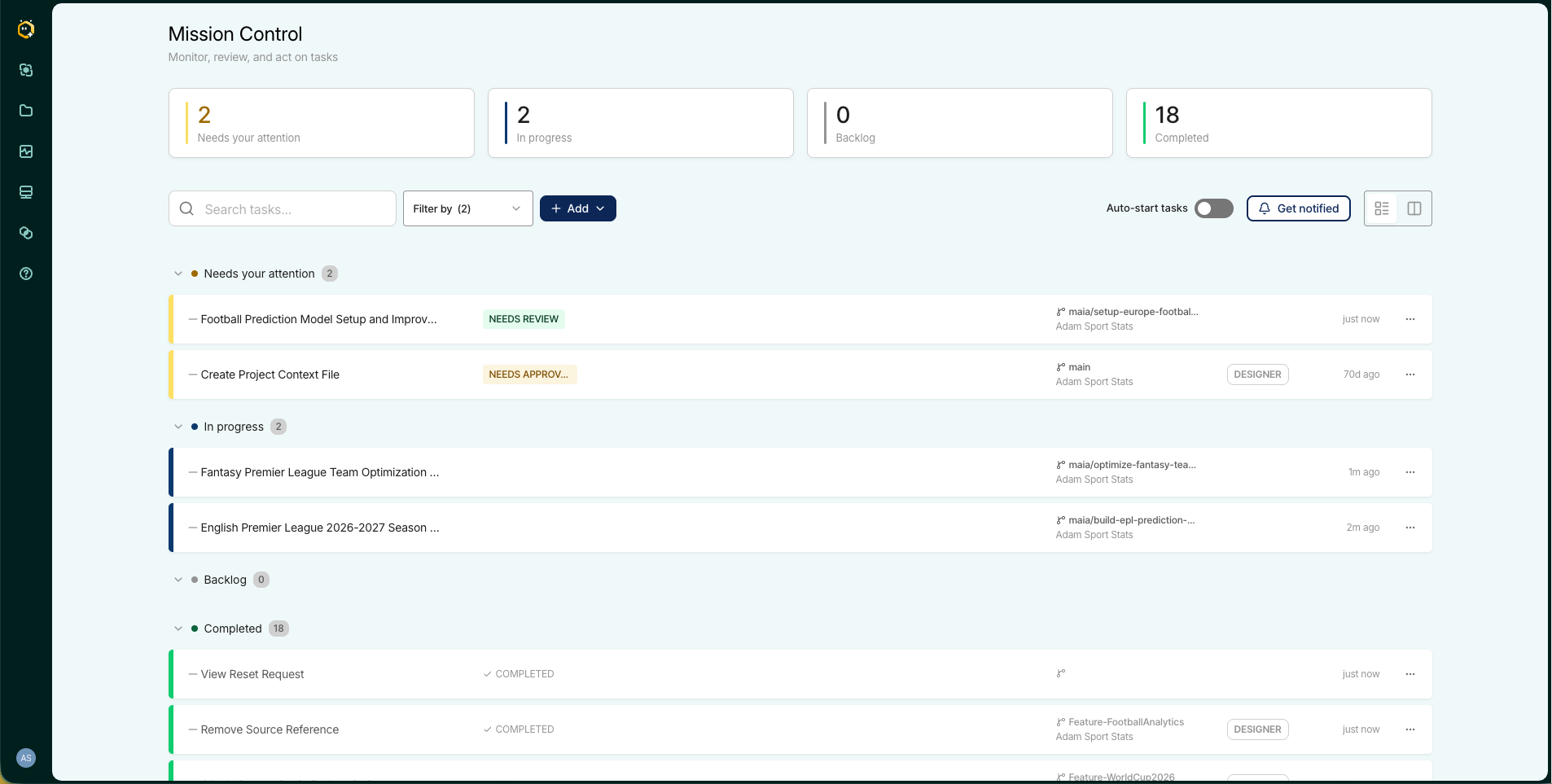
Mission Control lets you hand tasks to Maia to work on in the background. It creates a branch, builds, validates and comes back with results for you to review. Run several at once and you go from building one pipeline at a time to a parallel assembly line of pipelines.
A few tips:
Coming soon, integrations with Jira, Azure DevOps and ServiceNow will let work items flow straight into Mission Control.
Watch: Mission Control in action
These prompts work on any project, but they're most useful when you run them on your own pipelines.
1. Discover your standards
I need you to review all the pipelines within this project. Your goal is to identify our internal standards, specifically:

- How we build pipelines
- Our best practice naming conventions
- Pipeline building standards
- Documentation practices

After your review, please perform the following actions:

1. Create a new file named `README.md` inside the `.matillion/maia/rules' folder.
2. Create a new folder named `docs` at the project's root level.
3. In the `docs` folder, generate context files based on the standards you've identified.
4. In the README.md, provide a clear directory linking to all context files.
2. Build skills for your repeatable patterns
Review the pipelines in this project and identify any repeatable patterns or common workflows, things like:

- Data loading patterns (full load, incremental, CDC)
- Error handling approaches
- Data quality checks
- Standard pipeline structures that get reused

For each pattern you find, create a Maia skill in `.matillion/maia/skills/`. Each skill should have:

- A SKILL.md file with name and description frontmatter, and clear step-by-step instructions
- A sample pipeline file (.orch.yaml or .tran.yaml) as a working example
3. Connect a Knowledge Graph. Set one up in the Context Engine dashboard and Maia will use it automatically.
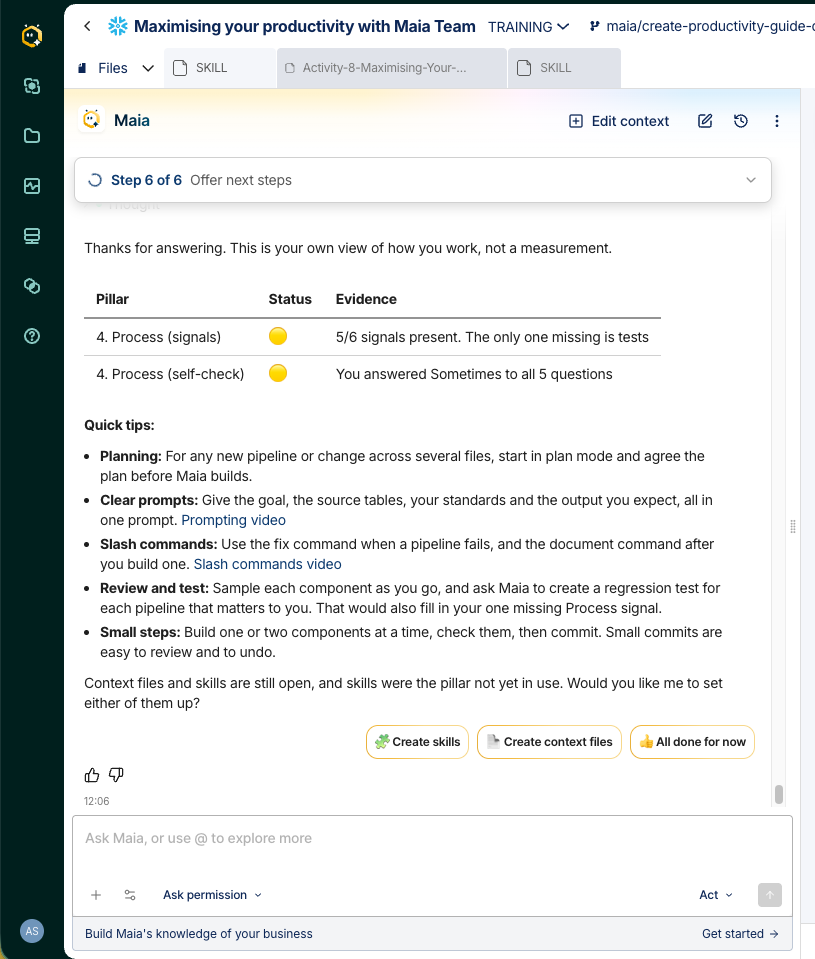
To make this even easier, I've packaged it all into a Maia skill, attached to this post. Ask Maia to "maximise my productivity," and it checks which of the five pillars you're already using, gives you a quick scorecard, then offers to scan your pipelines and create context files and skills for you.
To install it:
.matillion/maia/skills folder and import the zip.

Most teams can get all this set up in an afternoon, and it makes a huge difference. Watching a team go from building one pipeline at a time to running a parallel assembly line, with Maia already knowing their standards, patterns and data, never gets old.
Context is king, and structured context is even better. I hope this helps you get more out of Maia.
Fancy running a Maia workshop with your team? Get in touch with your Matillion account team. I'd love to help.