


Data management
made effortless
Enjoy the freedom to do more with Maia on your side.

In today's data-driven world, managing and automating workflows is essential, not just for operational efficiency, but to reduce manual mistakes, improve consistency, and scale.
Consistent naming conventions and business rules are essential for reliable data pipelines, but embedding them in code leads to drift and duplication. Context files provide a single source of truth that the Maia Context Engine captures, enabling the Maia Team to enforce your standards across environments.
Maia is an AI Data Automation platform consisting of three tightly integrated components: the Maia Team (AI agents that handle operational data work), the Maia Context Engine (organizational intelligence that captures business rules and standards), and the Maia Foundation (enterprise infrastructure where files are stored and execution happens).
Context files are Markdown documents stored in .matillion/maia/rules/ within the Maia Foundation. The Maia Context Engine reads these files to capture your project standards, which the Maia Team then applies when building and modifying pipelines. This article explains what context files are, how to create them, and why they make your pipelines smarter.
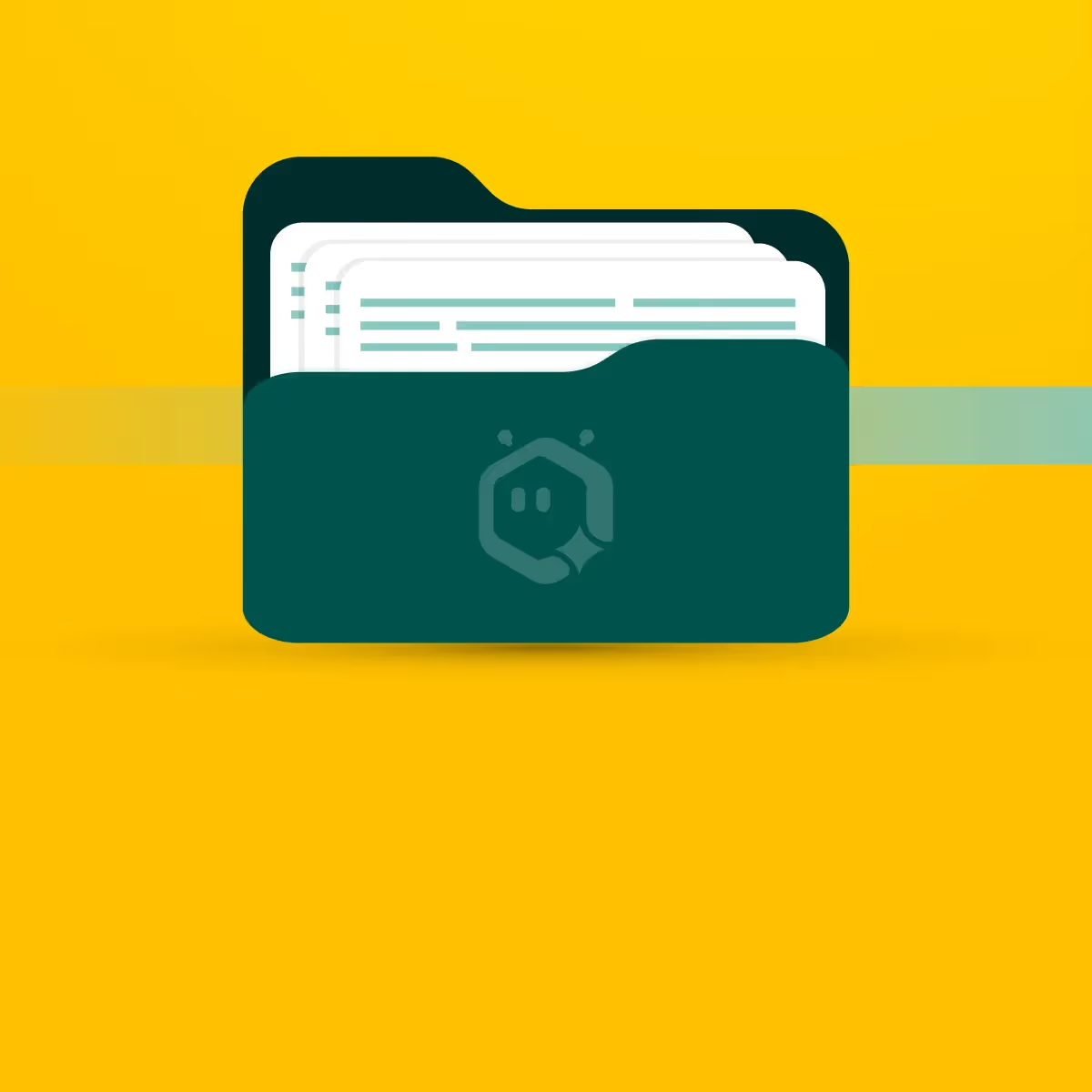
A context file is a plain Markdown document that embeds reusable knowledge – naming conventions, schema rules, and project goals – that the Maia Context Engine captures and makes available to the Maia Team.
By storing these files in .matillion/maia/rules/ within the Maia Foundation, you establish consistent standards across your team. Using context files helps you avoid repeating the same instructions, standardize pipelines, and ensure naming and structure follow best practices.
The Maia Context Engine automatically reads all .md files in that folder and provides this organizational intelligence to the Maia Team, which applies these rules when building or modifying pipelines.
Read more about Maia and context files.
Important notes:
You can manage context files directly in the Maia Foundation or via the Maia Team chat interface. Add a new Markdown file under .matillion/maia/rules/ using standard Markdown formatting, or update existing files as your project evolves. The Maia Context Engine will automatically detect and incorporate these changes. Headings, bullet lists, code blocks, and bold or italic text all work well.
With context files in place, the Maia Team can:
| Benefit | Why It Matters |
|---|---|
| Scalability and consistency | Workflows reference the same rules, reducing drift. |
| Reduced technical debt | Changing a rule requires updating one file, not dozens of scripts. |
| Onboarding and documentation | New team members can read the context file to understand domain rules. |
| Smarter automation | The Maia Team acts more intelligently when guided by a structured context. |
| Lower error rate | Fewer inconsistencies and manual edits mean fewer mistakes. |