.jpg)
.jpg)



.png)







.png)










.png)




.png)


%20(1).png)
.png)


.png)




.png)

















.webp)























.jpg)
















.png)
.png)
.jpeg)
.png)
.png)
.jpeg)
.png)

.png)
.png)

.png)

.avif)

.jpg)

.jpg)
.png)
.jpeg)





Data management
made effortless
Enjoy the freedom to do more with Maia on your side.
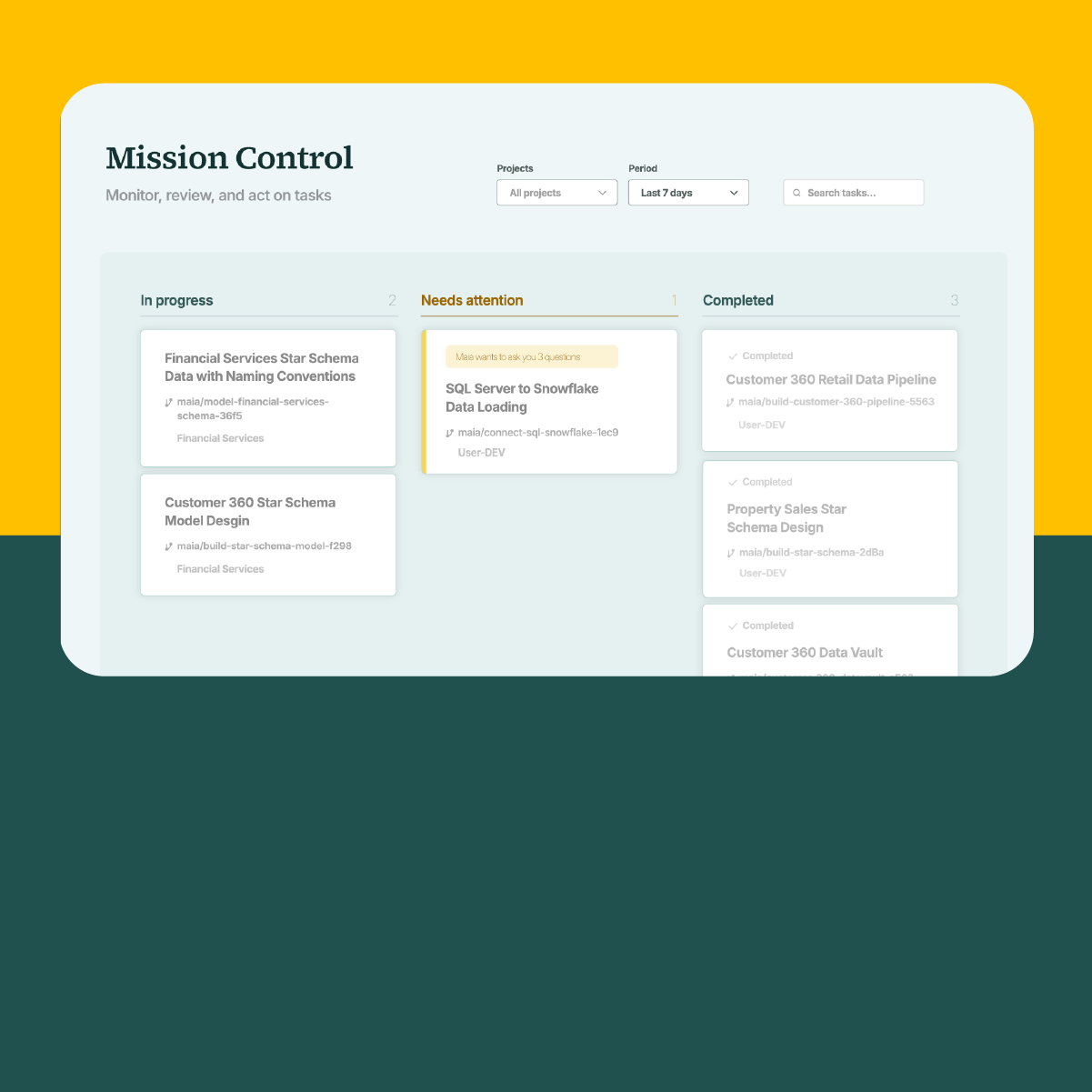
Learn how to bring Jev AI decisioning into your data pipelines. In this walkthrough, a principal solution architect imports the TypeSafe API into a Maia custom connector, stores the API key in a secret manager, and gives Maia a short problem statement in Mission Control.
Maia plans and builds three shared pipelines for evaluating a single record, looping over a table, and unpacking answers, plus five example pipelines and a Jev AI skill. The demo then runs the support ticket triage example, shows the Jev request and response, and shares the pipelines across the team.
This video is part of the Building with Maia and Jev series. Read the full write-ups: